Software Clustering vs. Hardware Clustering for High Availability
Difference between software clustering and hardware clustering?
Overview
This article explores the pros and cons of software clustering vs hardware clustering by looking at features like data replication, shared disks, load balancing, hardware and software prerequisites, skills to configure the cluster…
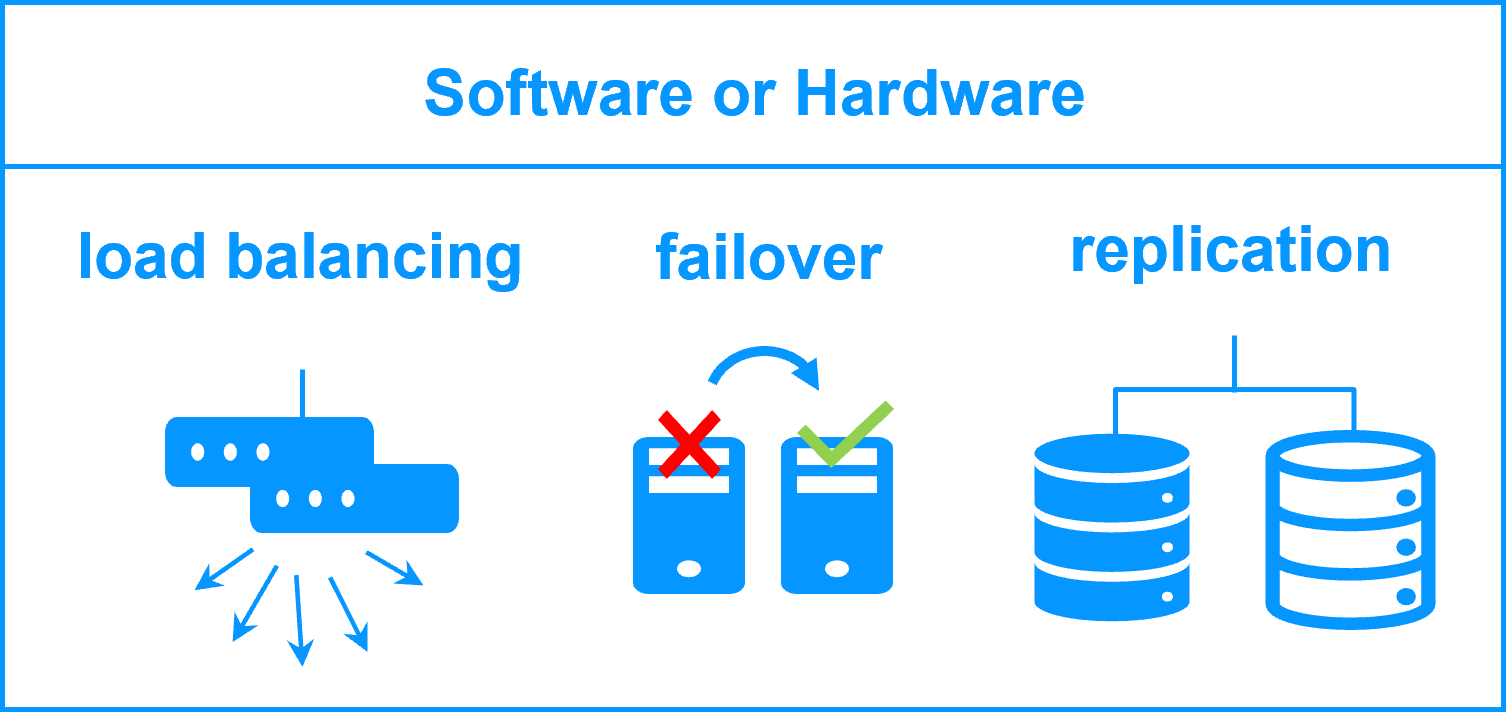
The following comparative tables explain in detail the difference between hardware clustering and SafeKit, a software clustering product.
What is hardware clustering?
There are two types of hardware clustering solutions: hardware clustering for backend applications like databases and hardware clustering for frontend applications like web services.
Hardware clustering for backend (like with Microsoft failover cluster) is based on 2 servers sharing a disk with an automatic application failover in case of failure.
Hardware clustering for frontend is based on load balancers (like with F5 BIG-IP) in front of a farm of servers (2 servers or more). The load balancers distributes the TCP sessions to the available servers in the farm.
What is software clustering?
As with hardware clustering, there are two types of software clustering solutions: software clustering for backend applications like databases and software clustering for frontend applications like web services.
Software clustering for backend (like with SafeKit) is based on 2 servers replicating in real-time data with an automatic application failover in case of failures.
Software clustering for frontend (like with SafeKit) is based on load balancing in a farm of servers (2 servers or more). The load balancing is made by software and distributes the TCP sessions to the available servers in the farm.
Software Clustering vs Hardware Clustering: Pros and Cons
High availability can be achieved through different clustering approaches: software clustering , hardware clustering (shared/replicated storage), or hardware load balancers (dedicated network appliances). Each approach differs in features, required hardware, software prerequisites, and IT skills needed for deployment. SafeKit offers a pure software approach that combines replication, failover, and load balancing in a single product — eliminating the need for dedicated hardware or enterprise editions.
Table: Comparison of software clustering (SafeKit) vs hardware clustering vs hardware load balancers across key deployment criteria
| Criteria | SafeKit Software Clustering | Hardware Clustering | Hardware Load Balancers |
|---|---|---|---|
| Features | (1) Real-time file replication (2) Failover toolkit (3) Network load balancing (no dedicated proxy) | (1) Disk replication (2) Failover toolkit | (1) Network load balancing |
| Hardware | Standard physical servers, virtual servers or Cloud | Dedicated storage (shared or replicated) | Dedicated network load balancing boxes |
| Software | Standard editions of Windows, Linux and databases (even OS for PC and free editions of databases) | Enterprise editions of OS and databases | Firmware in load balancers |
| Skills | No specific IT skills for deploying SafeKit | High level skills in storage and OS | High level skills in network |
In summary , SafeKit software clustering is the only approach that combines all three capabilities — real-time replication, automatic failover, and network load balancing — in a single, lightweight product. It runs on standard hardware (physical, virtual, or cloud) with standard OS and database editions, requiring no specialized IT skills. In contrast, hardware clustering demands dedicated storage infrastructure and enterprise software licenses, while hardware load balancers require dedicated appliances and network expertise — and neither provides the complete feature set that SafeKit delivers out of the box.
🔍 SafeKit High Availability Navigation Hub
Explore SafeKit: Features, technical videos, documentation, and free trial
| Resource Type | Description | Direct Link |
|---|---|---|
| Key Features | Why Choose SafeKit for Simple and Cost-Effective High Availability? | See Why Choose SafeKit for High Availability |
| Use Cases | Explore How SafeKit Ensures the High Availability of Critical Infrastructure | See All Use Cases (OEM Software, Edge Servers, SCADA, and more) |
| Deployment Model | All-in-One SANless HA: Shared-Nothing Software Clustering | See SafeKit All-in-One SANless HA |
| HA Strategies | SafeKit: Infrastructure (VM) vs. Application-Level High Availability | See SafeKit HA & Redundancy: VM vs. Application Level |
| Technical Specifications | Technical Limitations for SafeKit Clustering | See SafeKit High Availability Limitations |
| Proof of Concept | SafeKit: High Availability Configuration & Failover Demos | See SafeKit Failover Tutorials |
| Architecture | How the SafeKit Mirror Cluster works (Real-Time Replication & Failover) | See SafeKit Mirror Cluster: Real-Time Replication & Failover |
| Architecture | How the SafeKit Farm Cluster works (Network Load Balancing & Failover) | See SafeKit Farm Cluster: Network Load Balancing & Failover |
| Competitive Advantages | Comparison: SafeKit vs. Traditional High Availability (HA) Clusters | See SafeKit vs. Traditional HA Cluster Comparison |
| Technical Resources | SafeKit High Availability: Documentation, Downloads & Trial | See SafeKit HA Free Trial & Technical Documentation |
| Pre-configured Solutions | SafeKit Application Module Library: Ready-to-Use HA Solutions | See SafeKit High Availability Application Modules |